

Use Lockers
How to create an online course
If people already ask you for help with the same problem, that problem can become your first course, and the phone or laptop you already have is enough to record it.
Start with the result someone will pay for
A course sells when it promises one clear change in the buyer's life or work. A fitness coach can promise a first pull-up in eight weeks, and an author can promise a finished book proposal. Write your result as one sentence a buyer would say out loud. If you answer the same question on calls every month, that answer is a strong place to start your first course.
Outline the lessons
Work backward from the result and list each step a beginner needs to take, in order. Each step becomes one lesson, and lessons that share a topic become a module. A short first version lets you finish the course and learn from your first buyers before you add more.
Record with what you already have
A phone camera and light from a window are enough to record most lessons. Screen recordings work well when you are showing software or slides. Keep each video to one idea so buyers can find it again later. Add a worksheet or PDF to any lesson where the buyer needs to practice.
Choose a course platform
Two questions decide the platform: how you want to sell, and what it costs at your size. Some platforms charge a monthly fee and nothing per sale, while others start free and take a share of each sale. If you also want a community around the course, look for a platform that runs both. See how the best online course platforms compare on price and fit.
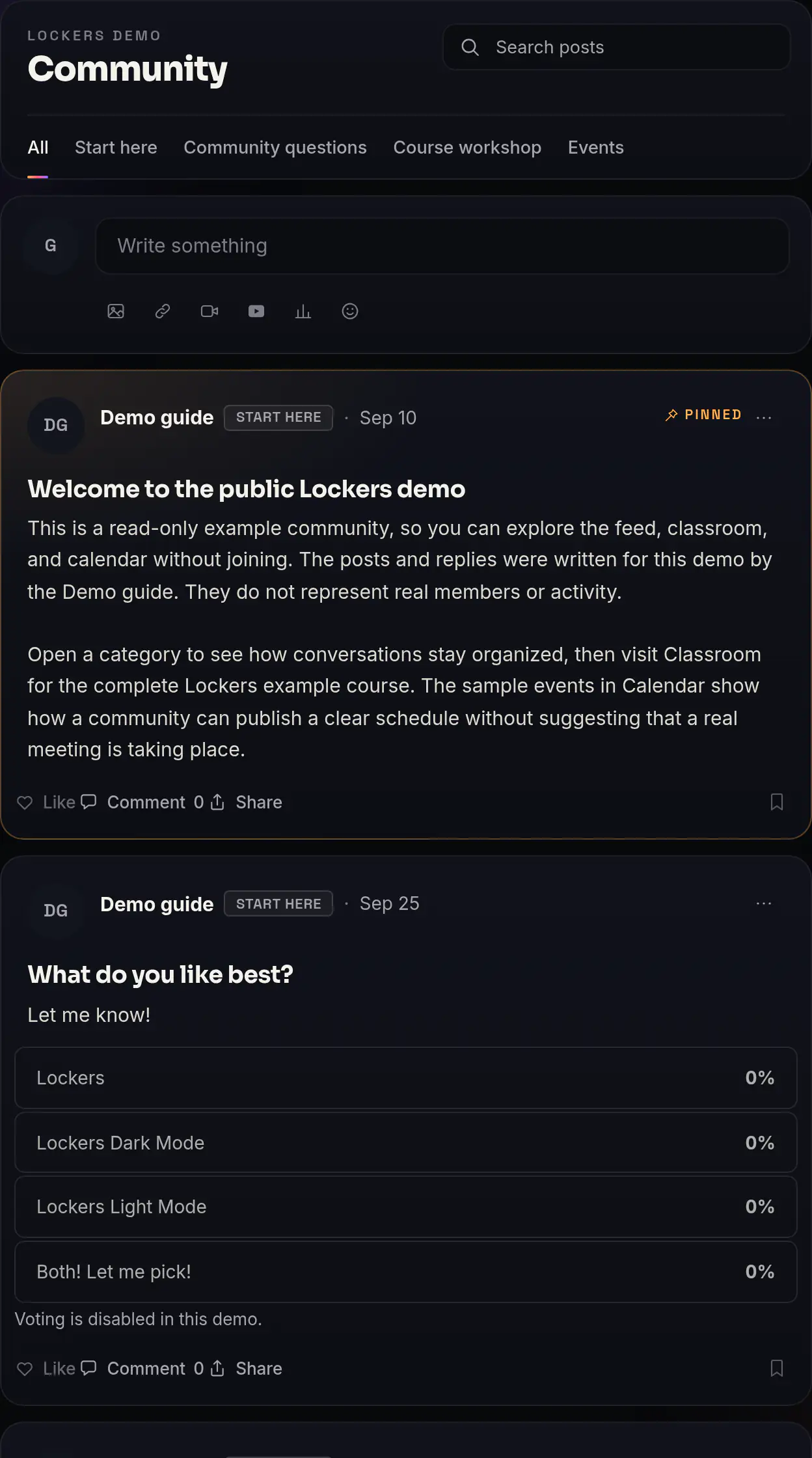
Build the course on Lockers
- 1
Create your first Locker. It starts as a 14-day Pro trial with no card, then moves to Free unless you subscribe to Pro, and members and courses are unlimited.
- 2
Open Course studio and drop in your files. Each file becomes a lesson, titled from its file name, and a lesson video can run up to two hours.
- 3
Arrange the lessons into modules. One course holds up to 30 modules and 100 lessons.
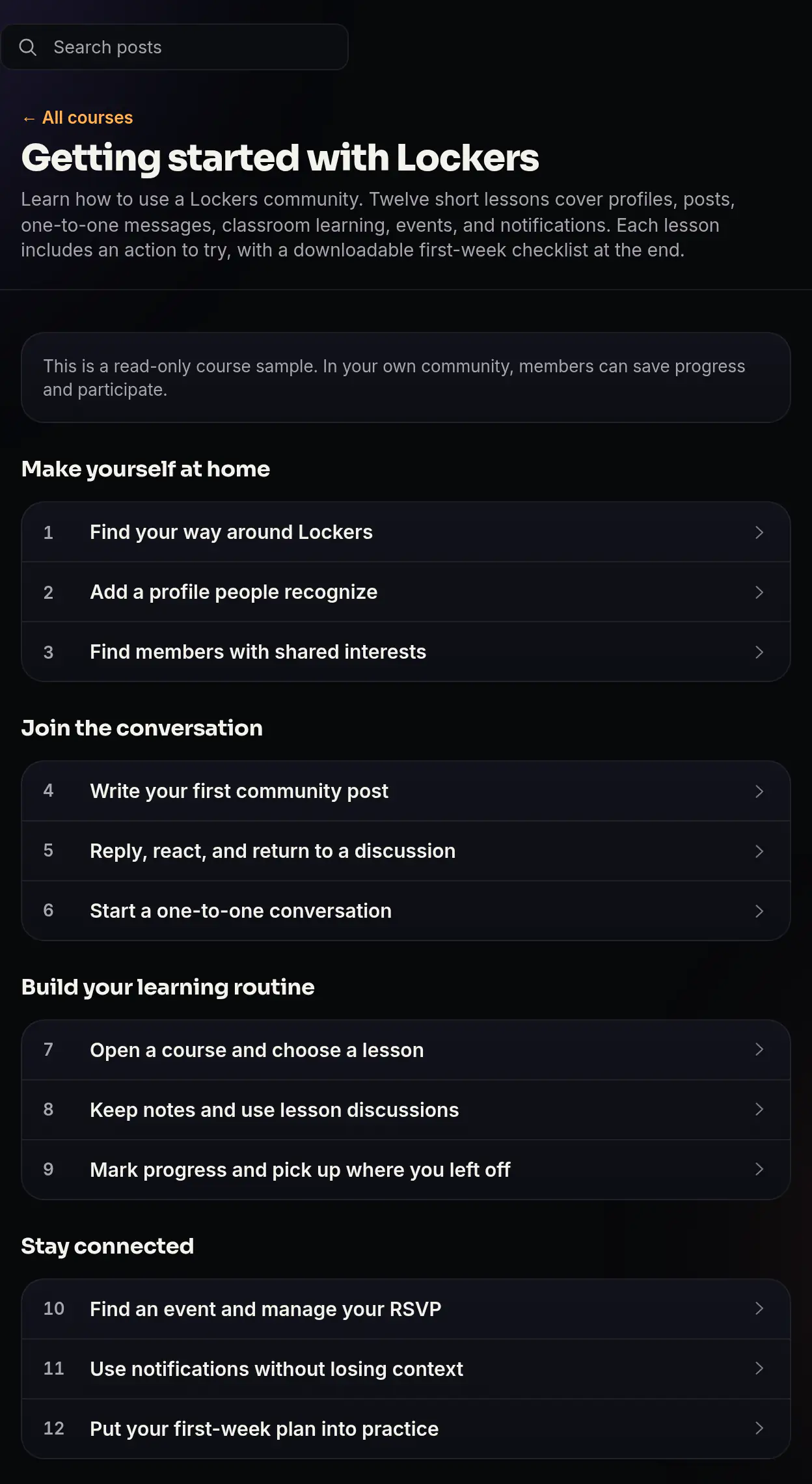
A published course in the public demo, arranged into modules and lessons. - 4
Add blocks where a lesson needs more than video, such as a PDF, an audio file, a download or a button.
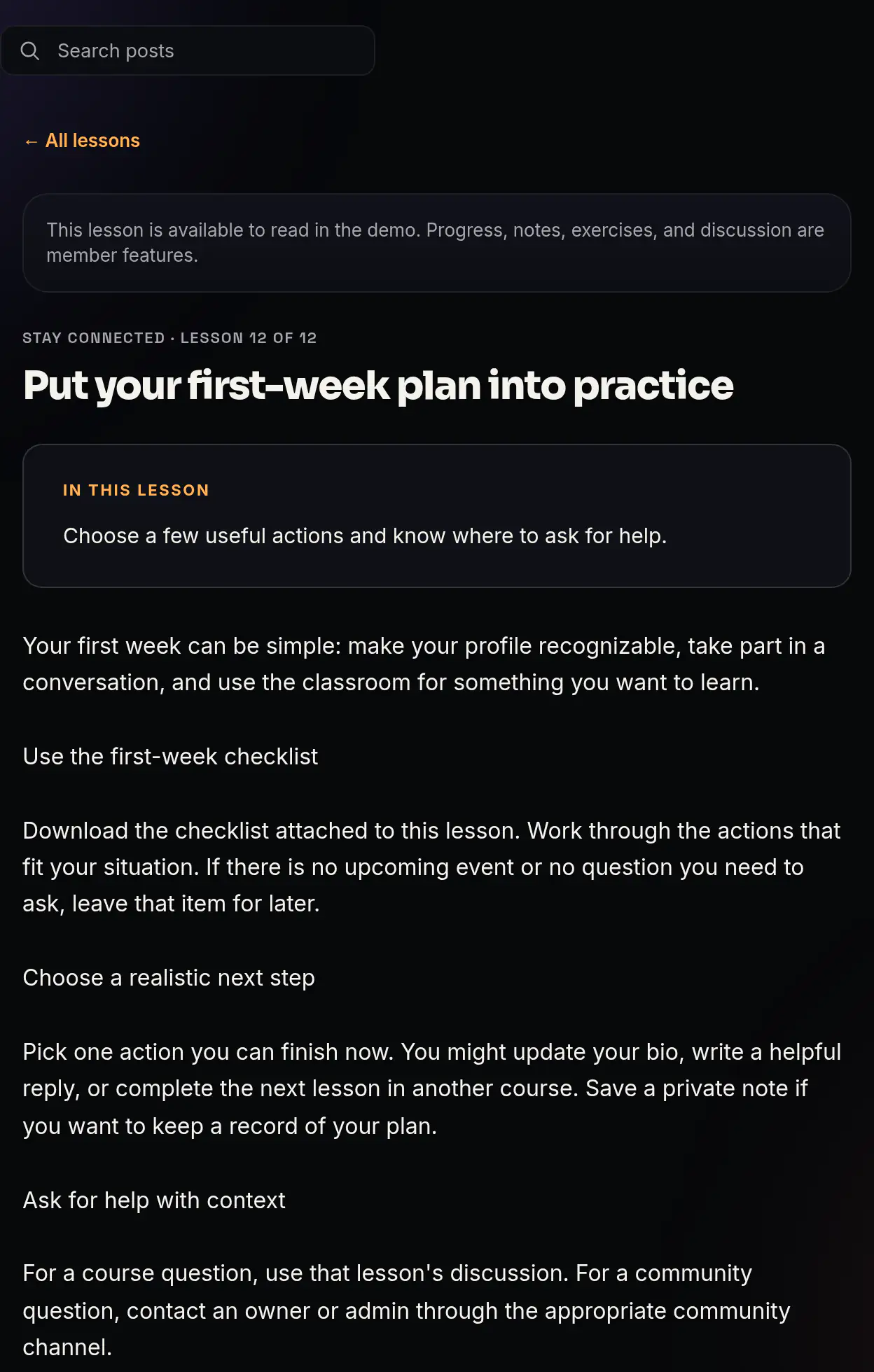
A lesson in the public demo, with a checklist members can download. - 5
Preview the course as a member would see it, then publish. Changes you make later wait until you choose Publish changes.
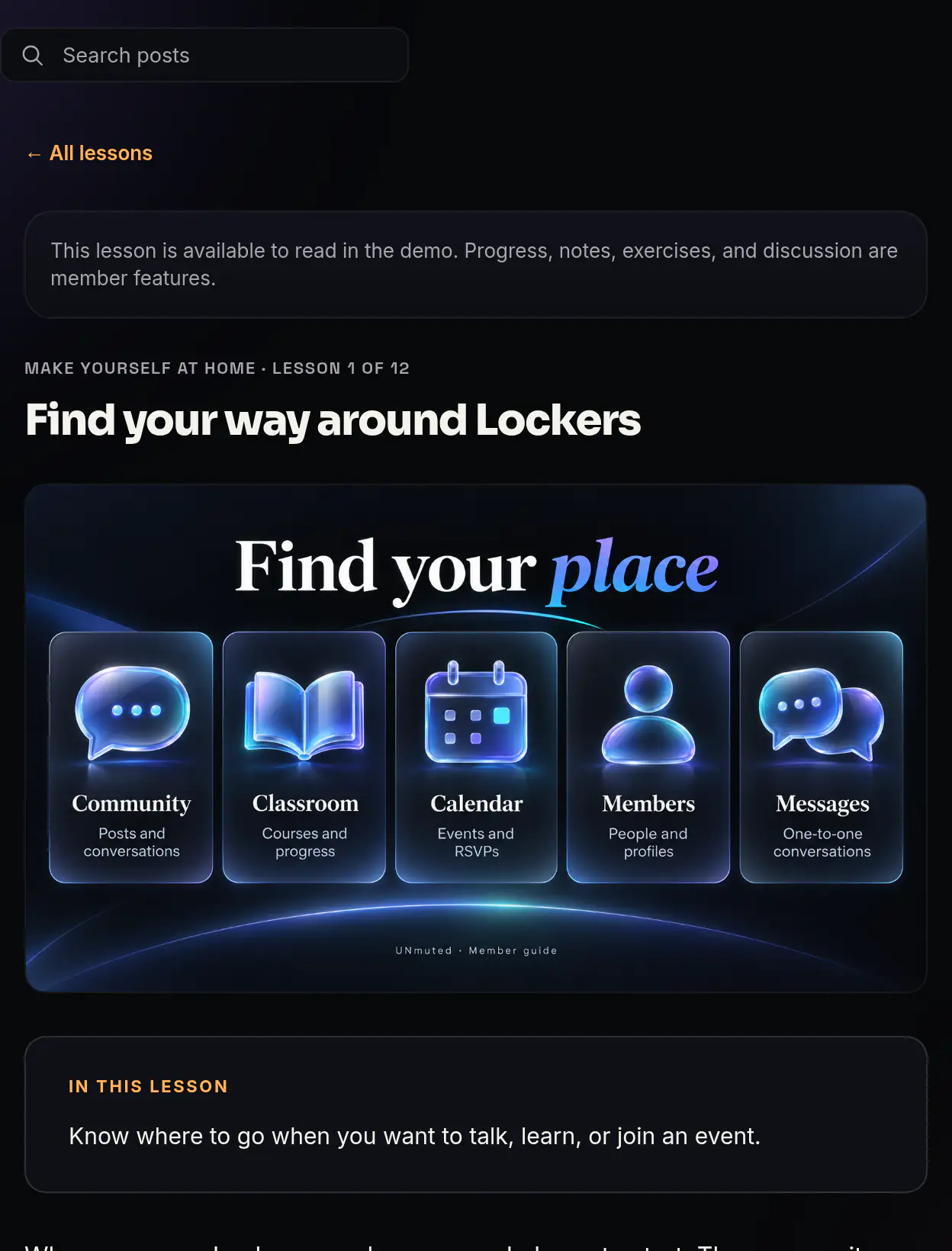
A lesson page in the public demo, as a reader sees it.
On Pro, a course can also use quizzes, written responses, certificates, release timing and an AI tutor that answers questions about your lessons. Our Course studio guide walks through each screen.
Set a price
In a free-to-join Locker, you can sell a course at a one-time price from $1 to $10,000 through your own Stripe account. Buyers need to be members of the community before they can buy a course. If you would rather charge monthly, a paid membership on Pro includes every course in that Locker, and courses in that Locker are not sold one by one. Set your price from the value of the result, and look at what similar courses in your field charge. Our guide on selling courses and memberships covers the setup.
Sell to the people who already know you
Start with the people who already follow your work, such as past clients and email subscribers. Send them the course page with one plain sentence about the result it delivers. A live workshop gives new people a way to meet you first. On Lockers you can sell a ticket to a workshop to people who are not members, and one ticket covers the whole event.
What it costs on Lockers
Lockers Free costs $0 and includes 120 minutes of stored video and 1 GB of files, and YouTube embeds do not count toward the video limit. Lockers takes 5% of each course sale on Free. Pro is $49 a month or $470 a year per Locker, with 1,200 minutes of video, 25 GB of files, one custom domain and a 1% fee on each sale. Stripe charges its own processing fee on both plans. Your first Locker can try Pro free for 14 days without a card. See Pricing for the full plan details.
Common questions
How long should an online course be?
A course should be long enough to deliver the result you promised. Count the steps a buyer needs and give each step a lesson. A course with six focused lessons can deliver a complete result.
Do I need a microphone to record a course?
A clip-on microphone helps when your room echoes, since clear sound makes a lesson easier to follow.
Can I offer payment plans or coupons?
A course sells at one price in community checkout. Thinkific lists payment plans on its Start plan, and Teachable lists coupons and bundles, as of October 16, 2026.
Should I sell a course or a membership?
Sell a course when the result is something a buyer reaches once, such as a finished book proposal. Choose a membership when people come back each month for new material or ongoing help. On Lockers, paid membership needs Pro and includes every course in the Locker. Our guide on community, membership, cohort or course helps you pick.
Can I use SCORM files from another course tool?
Lockers does not import SCORM files. LearnWorlds allows up to 20 SCORM uploads on its Pro Trainer plan, as of October 16, 2026.
Build the smallest useful version of your community.
Start with a feed, classroom, calendar, messages, and member list. No card required.
Start a community