Community, membership, cohort, or course: how to choose your model
Communities, memberships, cohorts, and courses differ in where members get the value: from each other, from ongoing access, from a shared schedule, or from a set of lessons.
 By Ryan Scott, founder of LockersUpdated August 28, 20266 min read


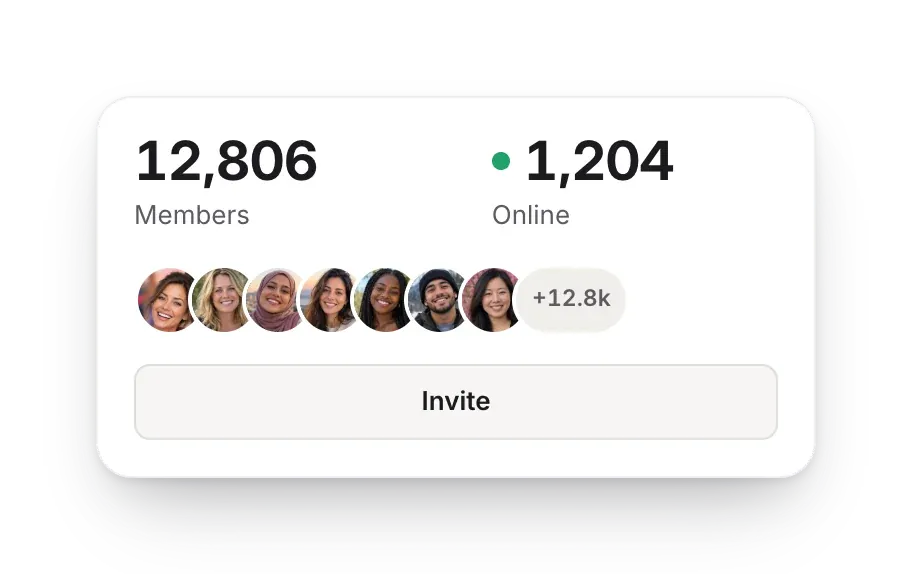
Each model gives members a different kind of value
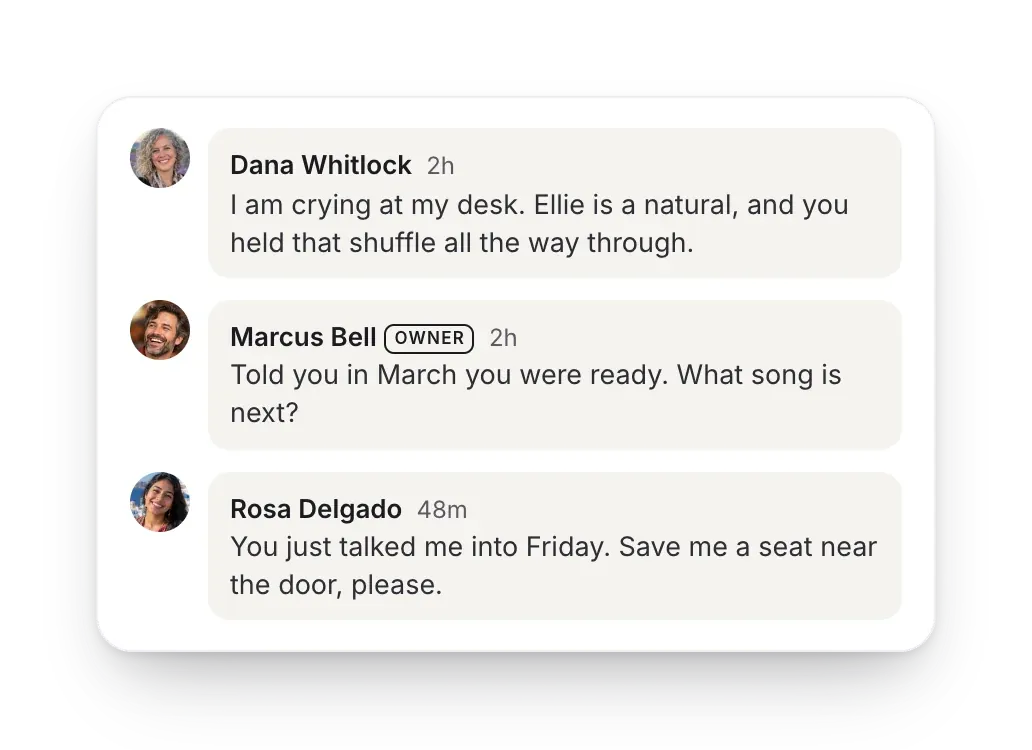
The confusion starts because all four can use posts, lessons, events, and member profiles. The software can look the same while the promise to members and the work of running each one differ.
- A community creates value through the relationships and conversations between members.
- A membership sells continuing access to a useful environment, person, resource, or rhythm.
- A cohort helps a defined group reach an outcome together within a set period.
- A course packages a repeatable path that people can follow with less direct involvement from you.
Choose by where the value comes from
Choose community
When conversations with the right people are worth more to members than a fixed curriculum.
Choose membership
When members need ongoing access and you can name what becomes newly useful each month.
Choose cohort
When working through the material on the same dates as a group improves the result.
Choose course
When the material stays the same from one group to the next and learners benefit from moving at their own pace.
Combine models only when each part improves the member's result
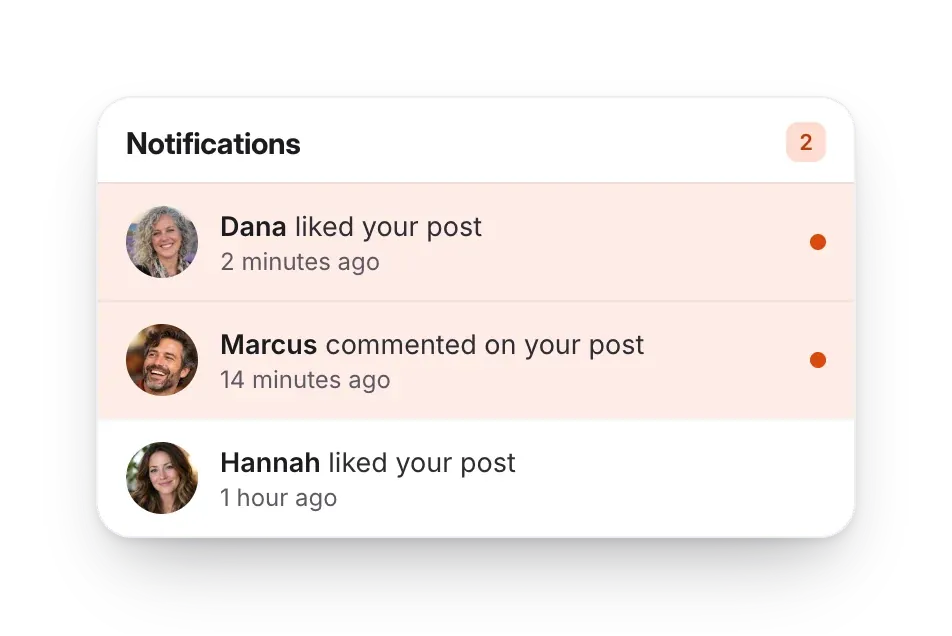
Adding a community to a course helps when discussion gets learners to apply or finish the lessons. In a membership, a community is worth adding when relationships and current guidance are part of what members pay for. Running a proven course as a cohort adds accountability, because everyone works to the same dates.
Do not add a community merely to make a course sound more valuable. If no one has a clear reason to talk, the feed stays empty, and an empty feed makes the course look less valuable to people deciding whether to buy it.
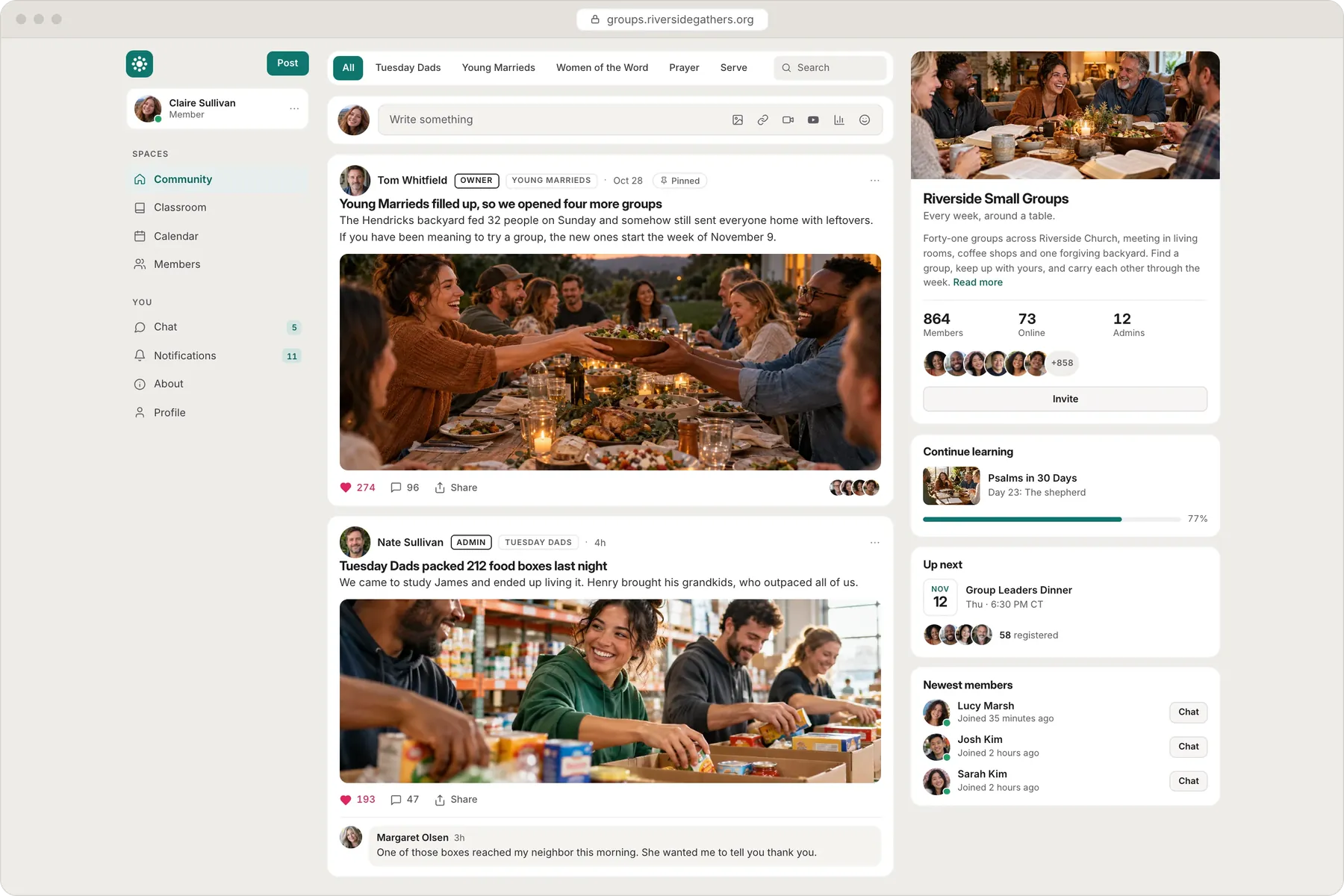
Course sales and membership in Lockers
Free does not include selling. Basic can sell individual courses and event tickets in a free-to-join community, with a 5% platform fee. Pro adds paid memberships and lowers the platform fee to 1%. Stripe's processing fee is separate on both plans.

Hosted video in the courses you sell has no stored-minute total on Basic or Pro. Non-video files count toward the Locker's file allowance.
Related pages
- Kajabi alternative: start free, sell courses for $7 a month
- Teachable alternative with unlimited courses and a community
- Podia alternative with a free plan for courses, events and community
- Coaching platform for courses, workshops and memberships
- Patreon alternative for courses, events and paid community access
Related guides
How to start an online community: a practical 7-step plan
A new community needs one clear reason for members to come back each week and a small founding group to test it with in the first month.7 min read
Free or paid community: how to decide which to launch first
A free community works when more of the right members makes it better, and a paid one works when you can name what members get each month.5 min read