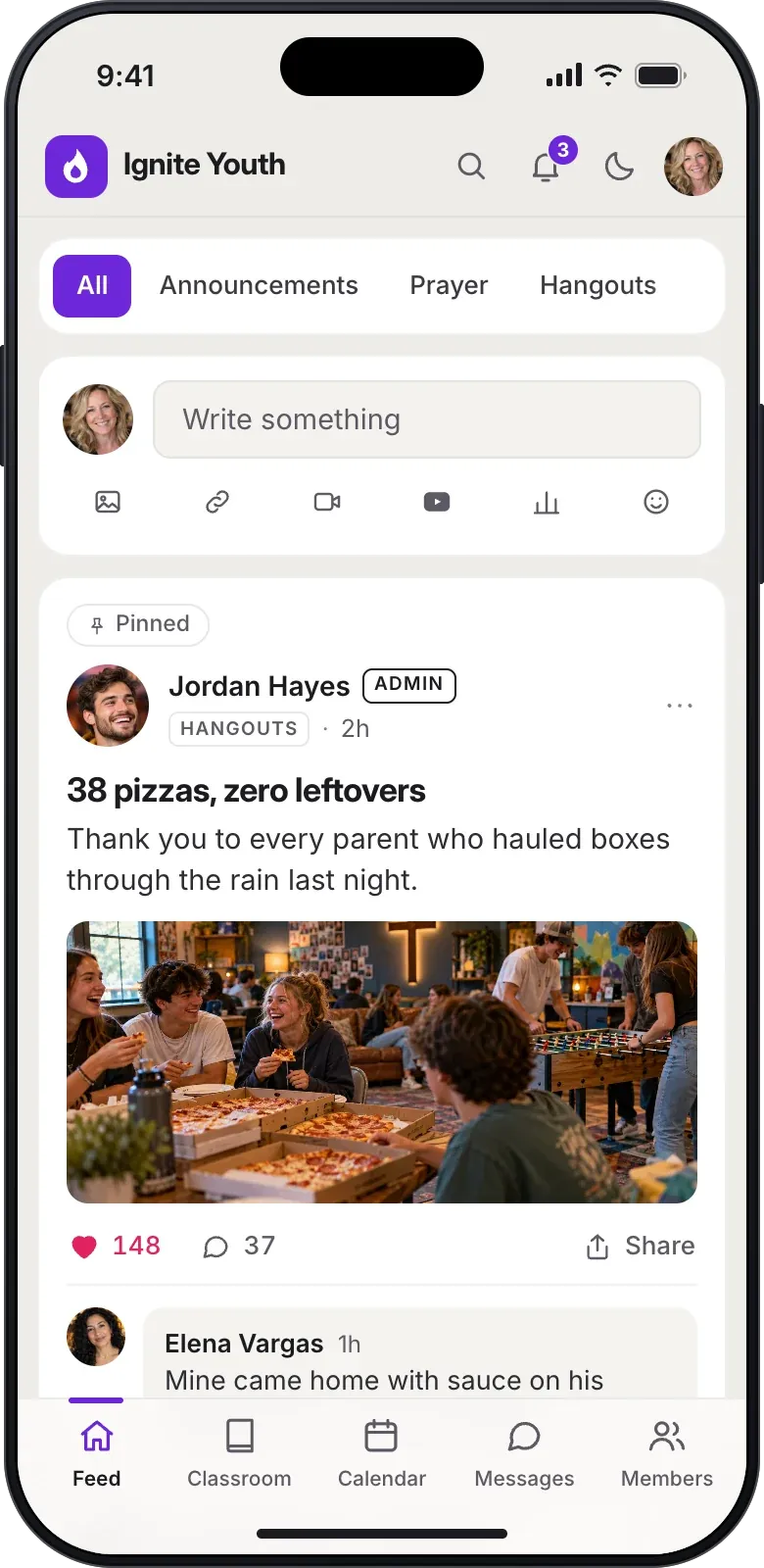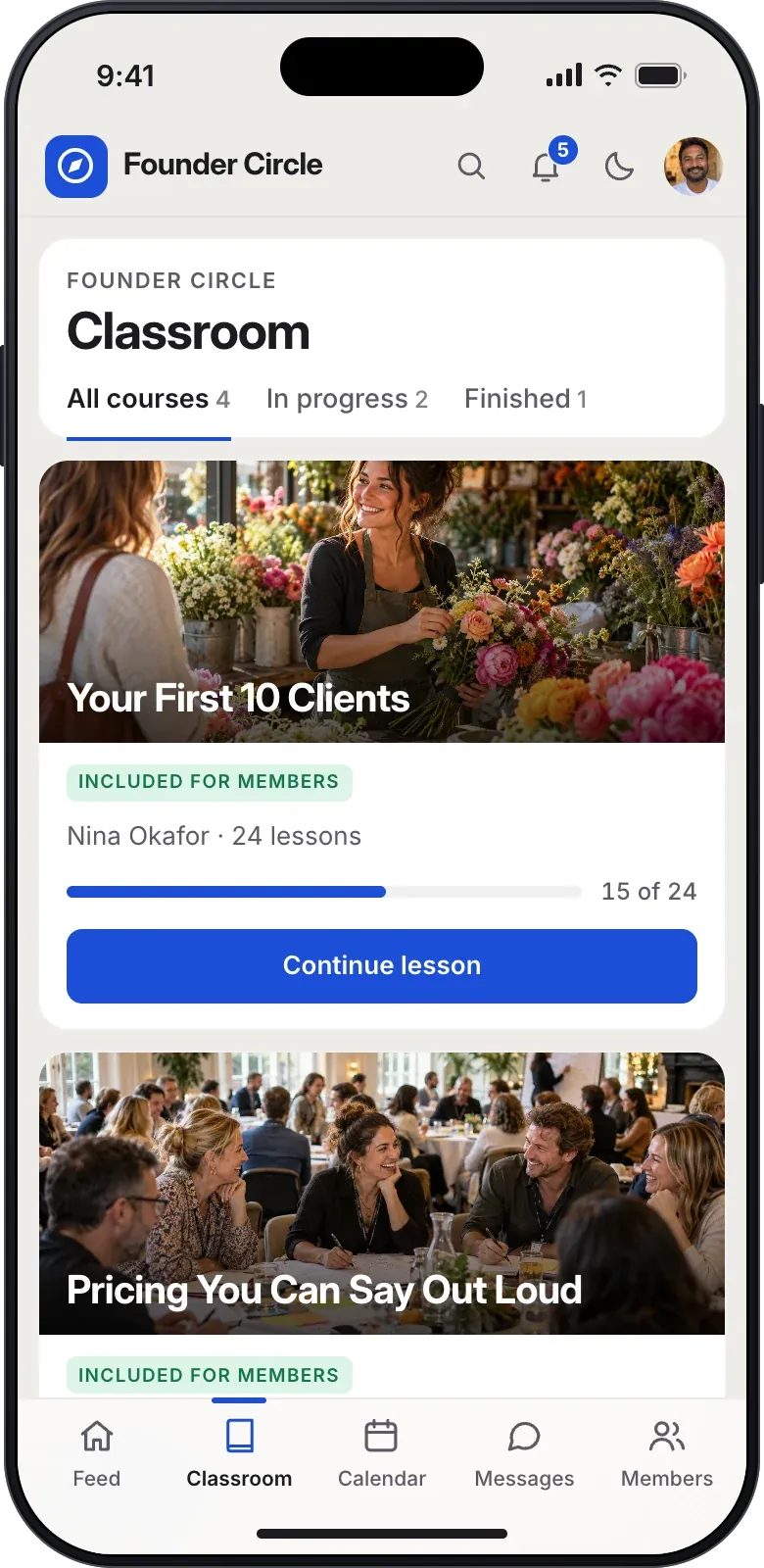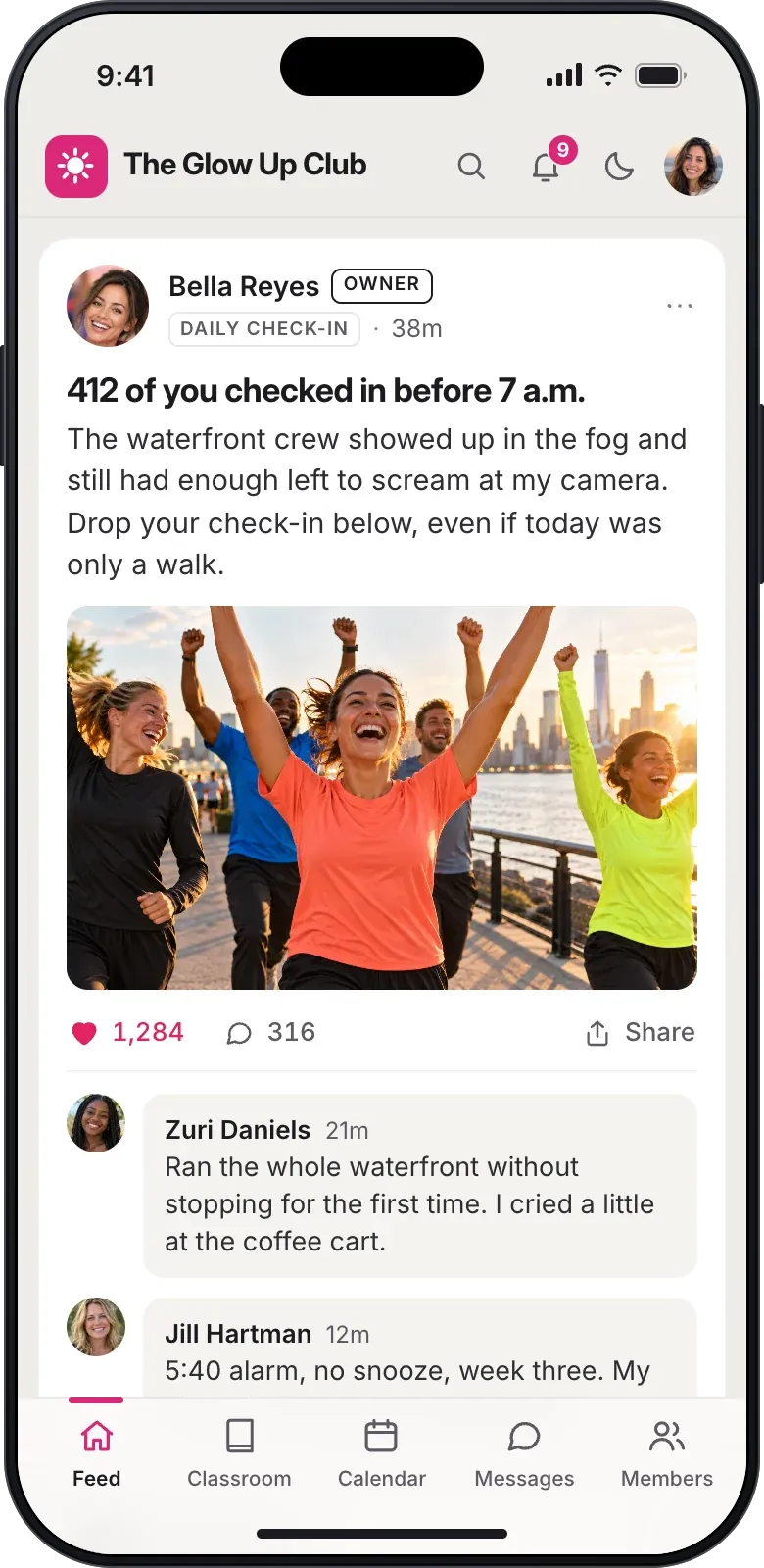
Give members the files they need in one library.
Publish checklists, eBooks and file packs that only your members can open. Include them with membership, or sell them at a one-time price on Basic or Pro.


Members find the file they need in one place.
Resources sits beside Classroom on a computer, and members on a phone open it from the account menu. They search titles and descriptions, filter by a tag or by Included and Paid, and sort by newest or recently updated. Each resource has its own page with a cover, a description and the list of files inside.


Put up to ten files behind one cover and description.
Write a title, a short summary and a description, add a cover image, and attach PDFs, worksheets, spreadsheets, slides, ZIP files, MP3s or images of up to 16 MB each. The editor shows a live preview of the library card as you write. A draft stays private until you publish it, and edits to a published resource wait in the draft until you publish again.
- Only the community owner creates, edits and publishes resources.
- Files count toward your community's file storage.
Include a resource with membership or sell it once.
Leave a resource as Included and every active member downloads it at no extra charge. On Basic or Pro, set a one-time price from $1 to $10,000 once your Stripe account is ready, and members buy from the resource page. Paid resources sell in free-to-join and paid-membership communities alike, so a paid community can offer a workbook on top of what membership covers.
- 5% of each sale on Basic, 1% on Pro, plus Stripe processing.


Files open only for active members of your community.
Every download checks that the person is signed in, still an active member, and has access to that resource. A copied download link opens nothing for anyone else. The same check covers admins and moderators, who buy a paid resource like any other member.
Members open, buy and download from the resource page.
Every resource page lists the files inside, with each file's type and size, before anyone downloads or pays.

An included resource downloads right away
The member opens the resource, reads what is included, and downloads each file from the list with no checkout.

A paid resource opens after one payment
The member sees the one-time price, pays through Stripe, and the files open once the payment is confirmed. The checkout says the price is separate from any membership fee.
My purchases keeps what they bought
Bought resources stay listed under My purchases, including ones the owner later archived. Downloads need an active membership, and buying a resource never makes someone a member.

Retire a resource and keep it for the people who bought it.
Archive takes a resource out of the library and stops new sales. Members who bought it still find it under My purchases and keep downloading while their membership is active. A draft that was never published can be deleted.
Share resources on every plan and sell them on Basic or Pro.
Every plan includes the Resources library and included resources. Basic and Pro add one-time resource sales, and each plan sets how much file storage your resources can use.
Free
$0- Included resourcesPublish files that every active member can download.
- 250 MB of file storageShared with images and other uploaded files.

Basic
$7a month or $70 a year per Locker- Sell resourcesOne-time prices with a 5% fee plus Stripe processing.
- 1 GB of file storageShared with images and other uploaded files.


Pro
$67a month or $670 a year per Locker- Sell resources1% fee plus Stripe processing, in free-to-join or paid-membership communities.
- 25 GB of file storageShared with images and other uploaded files.
Get the details before you start your community.

What kinds of files can I add?
You can add PDF, text, CSV and ZIP files, Word, Excel and PowerPoint documents, MP3 audio, and images. Each file can be up to 16 MB, and a resource holds up to ten. Video belongs in a course lesson or a post.
Can admins create or sell resources?
Only the community owner creates, edits, prices, publishes and archives resources. Admins and moderators use the library as members do, and they buy a paid resource like anyone else.
Does buying a resource make someone a member?
No. Only active members can open Resources, and a purchase never joins anyone to your community. A member who leaves keeps the purchase on their account, and downloads open again if they rejoin while the purchase is still valid.
What happens when I refund a resource?
A full refund removes that member's downloads, and a partial refund leaves them in place. You issue refunds from Admin, and we return the matching share of our fee.
Can I sell resources in a paid-membership community?
Yes. A paid resource is priced on top of the membership, and its checkout tells the member the price is separate from their membership fee. Courses work differently there, because a paid membership includes every course.
Other feature pages

Publish your first resource for your members.
Start a free community today with included resources, and add one-time prices on Basic or Pro.