How to start a paid membership site, from setting a price to your first 10 members
In May 2021, Tom Ross turned his personal brand toward community and released a free book, Community Manual. He then asked his audience to fill out a Google form to be considered as founding members of a community he had not built yet. He planned for 100 founding members and received nearly 400 applications. He built the community over a weekend after that, priced at $10 a month or $100 a year, and he later reported just under $50,000 a year in recurring revenue. Looking back, he wrote that he had "underpriced at launch," and he suggested that 30 members at $30 a month would have been a better start.
 By Ryan Scott, founder of LockersUpdated November 18, 20265 min read
Decide what members get every month
His form showed the demand before he spent a weekend on the build. Starting a paid membership site follows the same order: decide what members get each month, set a price from current community prices, collect 10 founding members, then open the membership on Lockers Pro.
Members keep paying for as long as they stay, so the offer has to give something new every month. A one-time course sells a finished result, and a membership sells ongoing access: new lessons on a schedule, a live session each month, answers to questions in the feed, and other members working on the same thing.
Write the monthly promise in one sentence a member could check at the end of each month, such as "a live Q&A on the first Tuesday, two new lessons and a reply from me on every post." If you cannot keep a promise like that for a year, make it smaller until you can.
Set a monthly price from real community prices
On November 3, 2026, the 199 trending paid communities on Skool's Discovery page with a monthly price had a median price of $33 a month. The middle half listed between $10 and $59, and the single most common price was $9 a month. Mighty Networks reports an average membership fee of $48 a month from a survey of 12,000 membership sites on its platform.
Place your price inside that $10 to $59 middle range by what each month includes: the more of your time and new material members get, the higher in that range your price belongs.
Ten members at $33 a month bring in $330 a month. A paid membership on Lockers runs on Pro, at $67 a month, and Lockers takes 1% of each payment, which is $3.30 across the ten payments, with Stripe's processing fee charged separately. Three members cover the cost of Pro, and each member after that adds $32.67 a month before Stripe processing.
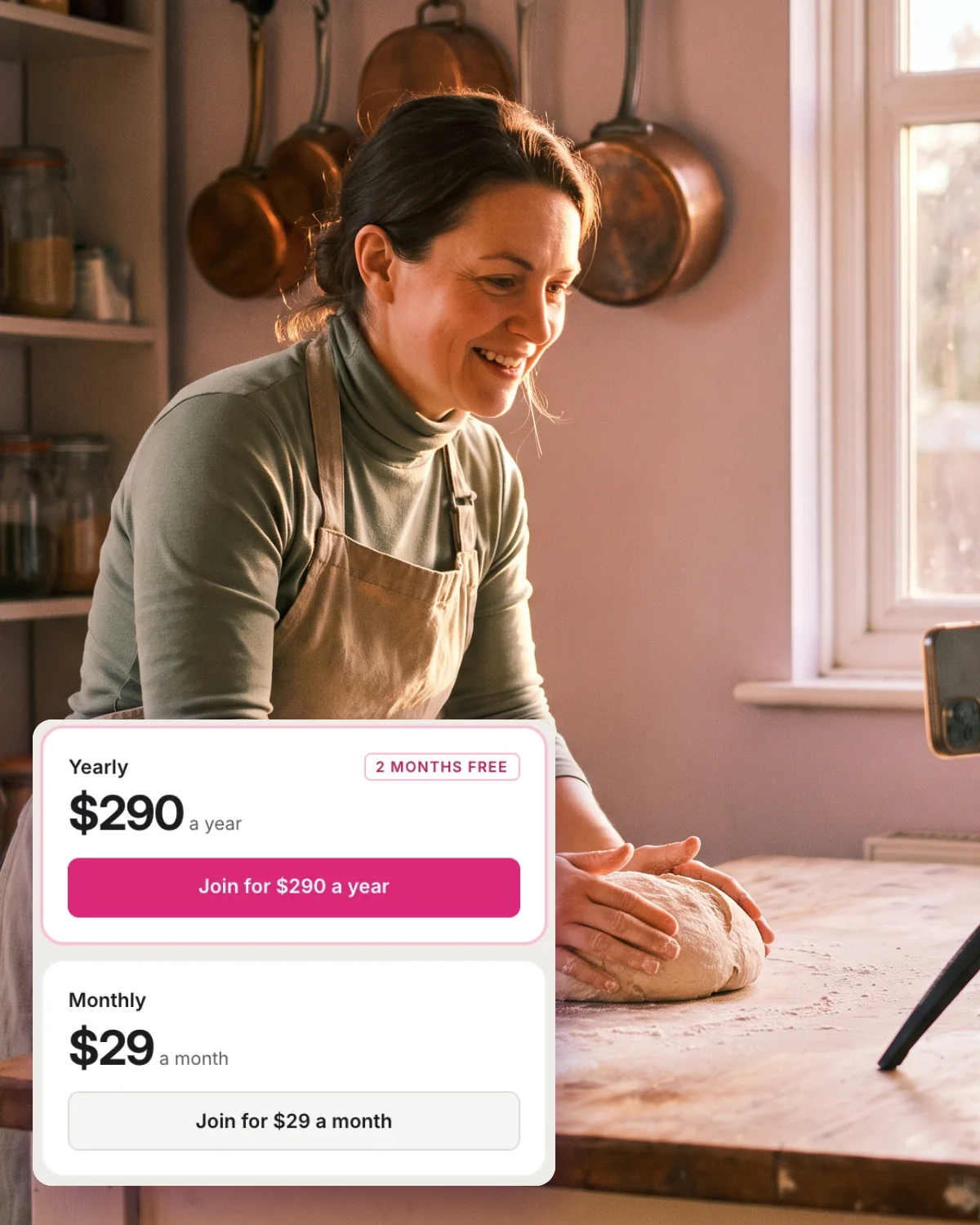
Offer a yearly price beside the monthly one for members who want to pay once a year. A yearly price equal to ten months gives members two months free, and Lockers lets you offer both prices at once. Anthony Castrio wrote that when he removed monthly plans from his community to push people toward yearly and lifetime plans, yearly signups did not rise and he lost the members who would have joined monthly.
Pre-sell 10 founding members before you build
Tom Ross collected applications before he built the community, and a pre-sale works the same way at a smaller scale. Make a list of 30 people who have asked you about the topic, bought from you before or replied to your emails. Write to each one personally with the monthly promise, the founding price, the number of founding seats and the date the membership opens.
A founding offer gives people a real reason to decide now: a limited number of seats at the opening price, and the chance to choose which topics the membership covers first. Set the founding price inside your range and tell people the date the founding offer closes. On Lockers, price changes apply to new purchases, and existing purchases and paid membership periods remain protected.
Ask each person who says yes for a reply or a short form, and keep the list. When it reaches 10, you have 10 people waiting for your link and a clear signal that the offer works.
Set up your paid membership on Lockers
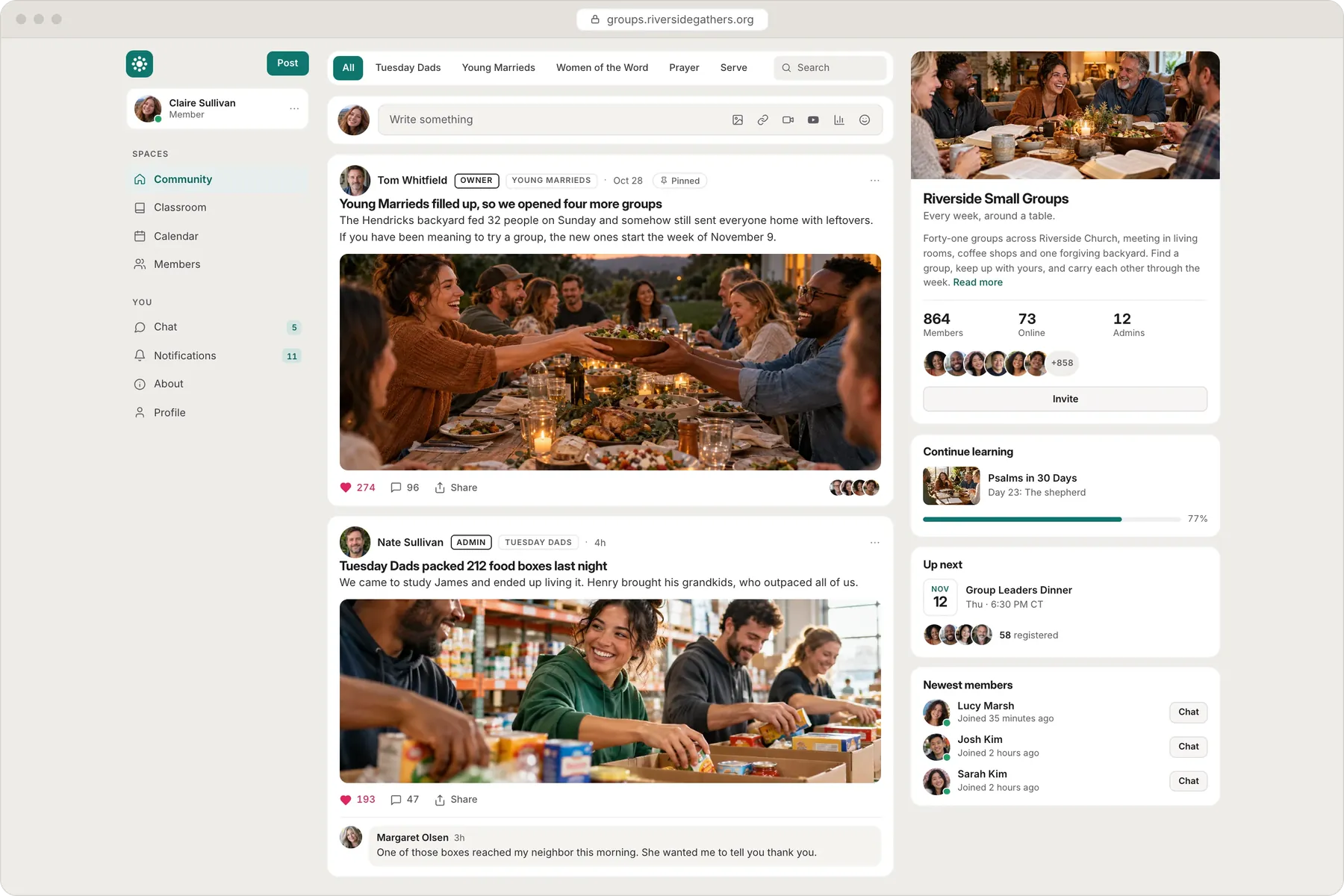
A paid membership on Lockers includes every course in the Locker, the feed, messages and member events, for one monthly or yearly price. Each Locker has its own plan, so you can keep a free Locker for your wider audience and open a separate Locker on Pro for the paid membership.

Create your Locker at lockers.social/start and choose Pro from Admin. Pro is $67 a month or $670 a year for that Locker.
Open Admin, then Sales, then Payments, and select Connect Stripe. Finish the business and payout details Stripe asks for, so your account is ready to receive payments. Confirm with your authenticator app if Lockers asks.
Make sure every course is set to Included for members, since a membership includes every course.
In Selling and payments, under Community membership, choose Paid membership. Enter a Monthly price (USD), a Yearly price (USD) or both, anywhere from $1 to $10,000, and select Save membership settings.
Send your founding members the link to your Locker. They see each price, create a Lockers account and pay through Stripe Checkout, and Stripe sends their receipts.
Members can manage or cancel their renewal any time from Membership and purchases, and they keep access through the period they paid for. As the owner, you can refund a payment in full or in part from Orders and refunds, under Admin, then Sales, then Payments, and Lockers returns its 1% fee in proportion to the amount refunded.
Give your first 10 members a reason to stay
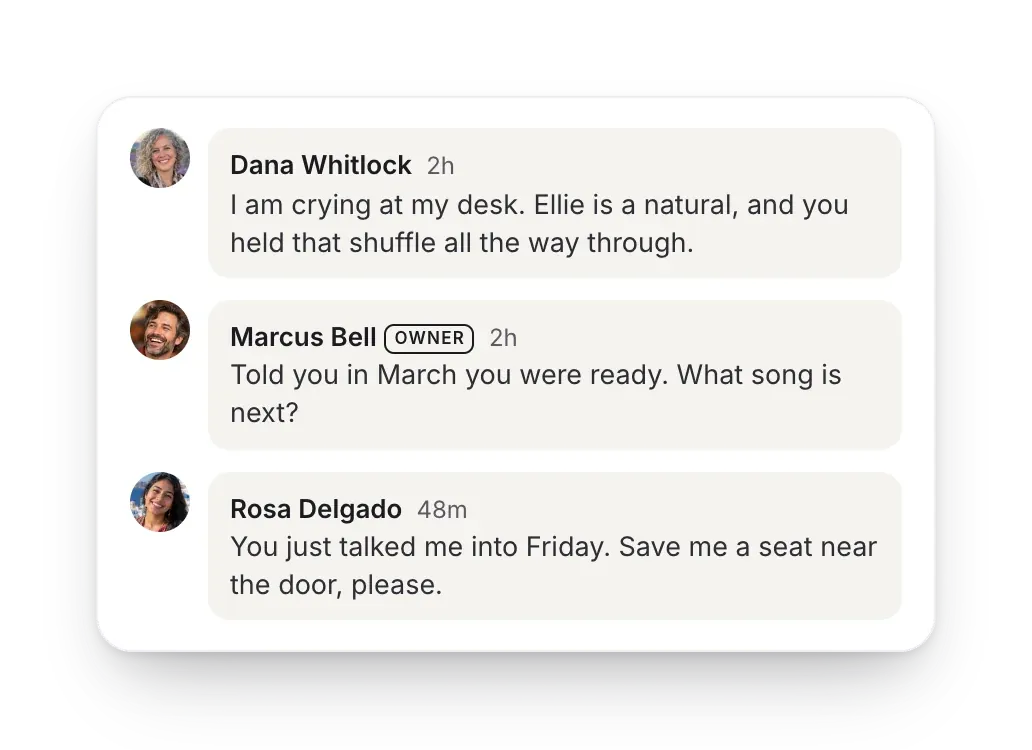
Welcome each founding member by name in the feed, and run the first live session in the first two weeks, so everyone meets the group early. Members of a paid Locker attend its events free, so each event you put on the Calendar is part of what they pay for.
Keep the monthly promise on the same days each month, and tell members when it arrives. Owners and admins can turn on Send email to all members on a post, which emails it to each member who receives optional announcements, with a link back to the community. Write one of these posts for the monthly schedule and another each time you publish a new lesson. In Admin, People lets you tag each member, keep private notes and set a follow-up date, and the Due follow-ups view lists the members you planned to check on. On Pro, People also shows each member's progress through your courses.
Ten members who stay a year at $33 a month bring in $3,960, and after Pro at $670 a year and the 1% fee of $39.60, you keep $3,250.40 before Stripe processing. Your Locker starts free at lockers.social/start, so you can set it up as soon as your tenth founding member says yes, then choose Pro from Admin when you are ready to send them the link.
Related guides

How to sell courses and paid memberships, and what it costs
Basic can sell individual courses and event tickets, and Pro adds paid memberships. The platform fee is 5% on Basic and 1% on Pro.5 min readCommunity, membership, cohort, or course: how to choose your model
Communities, memberships, cohorts, and courses differ in where members get the value: from each other, from ongoing access, from a shared schedule, or from a set of lessons.6 min read