WhatsApp vs. Lockers
Lockers vs WhatsApp
A Locker gives your WhatsApp group one place for courses and event tickets. Every post stays in a feed with categories, so someone who joins next month can read everything posted before then. Free includes unlimited members and courses, Basic adds course and ticket sales for $7 a month, and Pro adds paid membership for $67 a month.
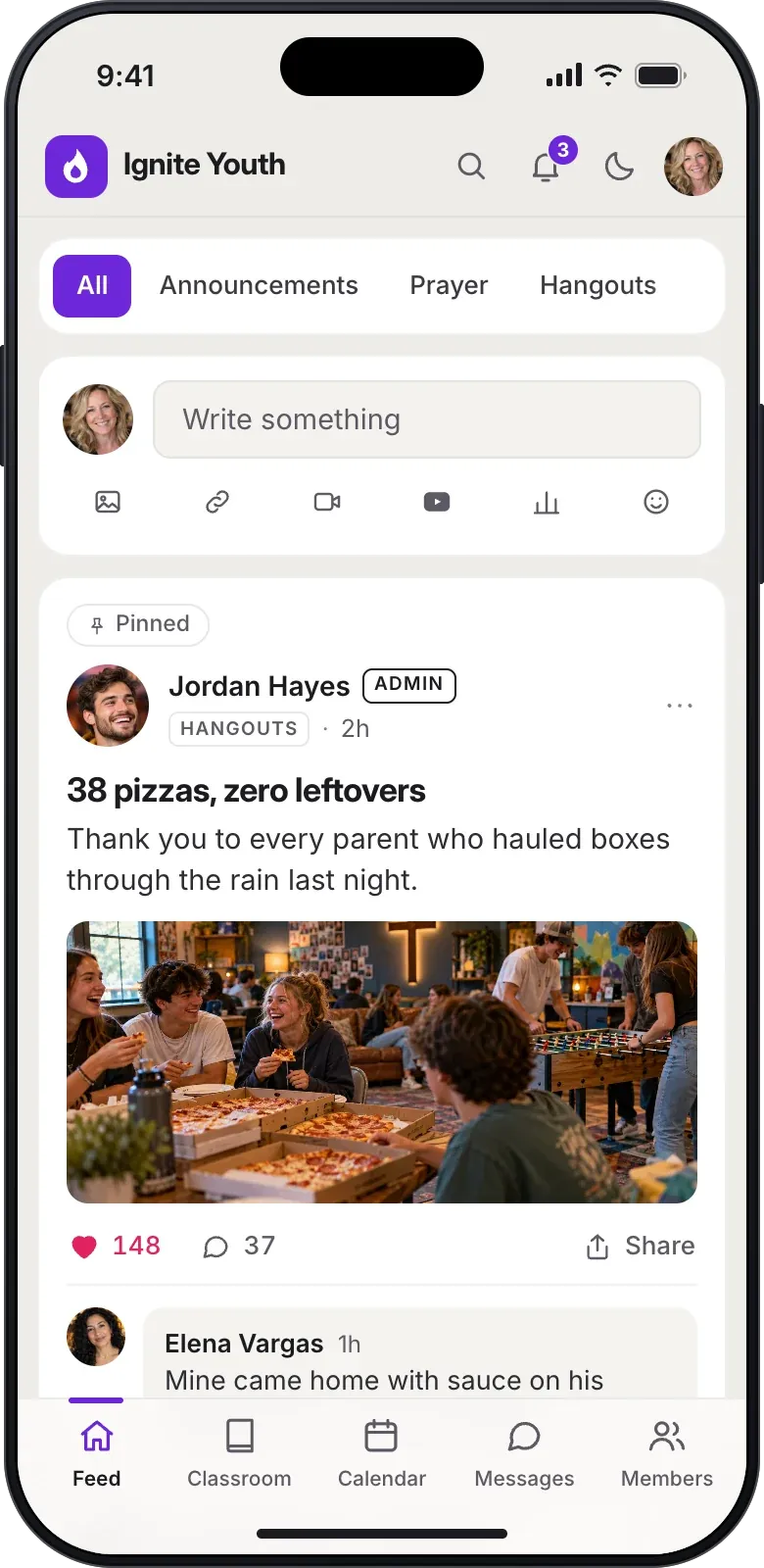
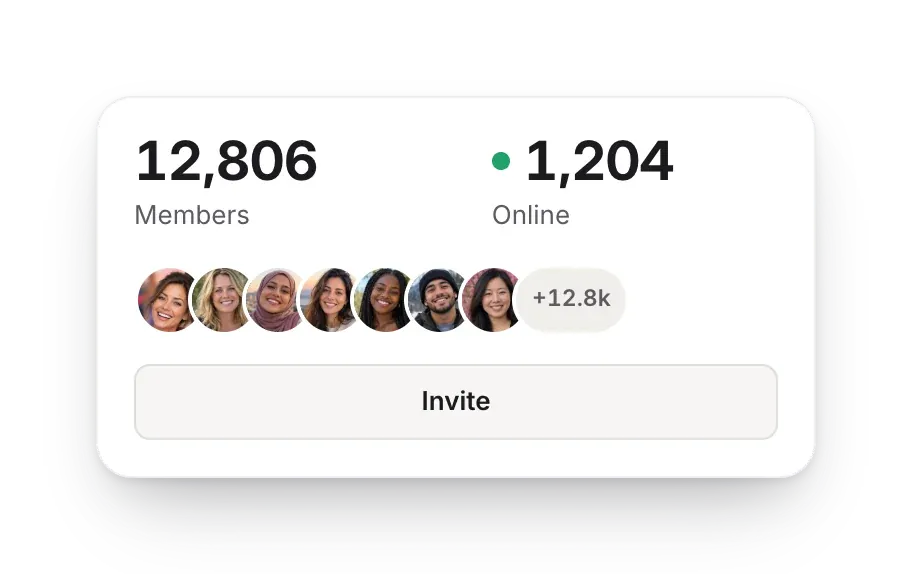
The community page: left navigation, category tabs, a feed with a pinned welcome post, and a right rail with a getting-started checklist, the community card and the newest members.

Sell a course or ticket on Basic
Once your Stripe account is set up on Basic or Pro, you can sell a course or an event ticket for a one-time price from $1 to $10,000. One ticket covers the whole event. We keep 5% of each sale on Basic and 1% on Pro, and Stripe charges its own processing fee on top.
Charge for membership to your community
On Pro, you can charge a monthly or yearly price in US dollars to join your Locker. We take 1% of each payment and each renewal, plus Stripe processing. A paid Locker includes every course you build there, so members get all of them with their membership. Members attend your events free, and you can still sell tickets to guests outside the membership.
Build courses with up to 100 lessons
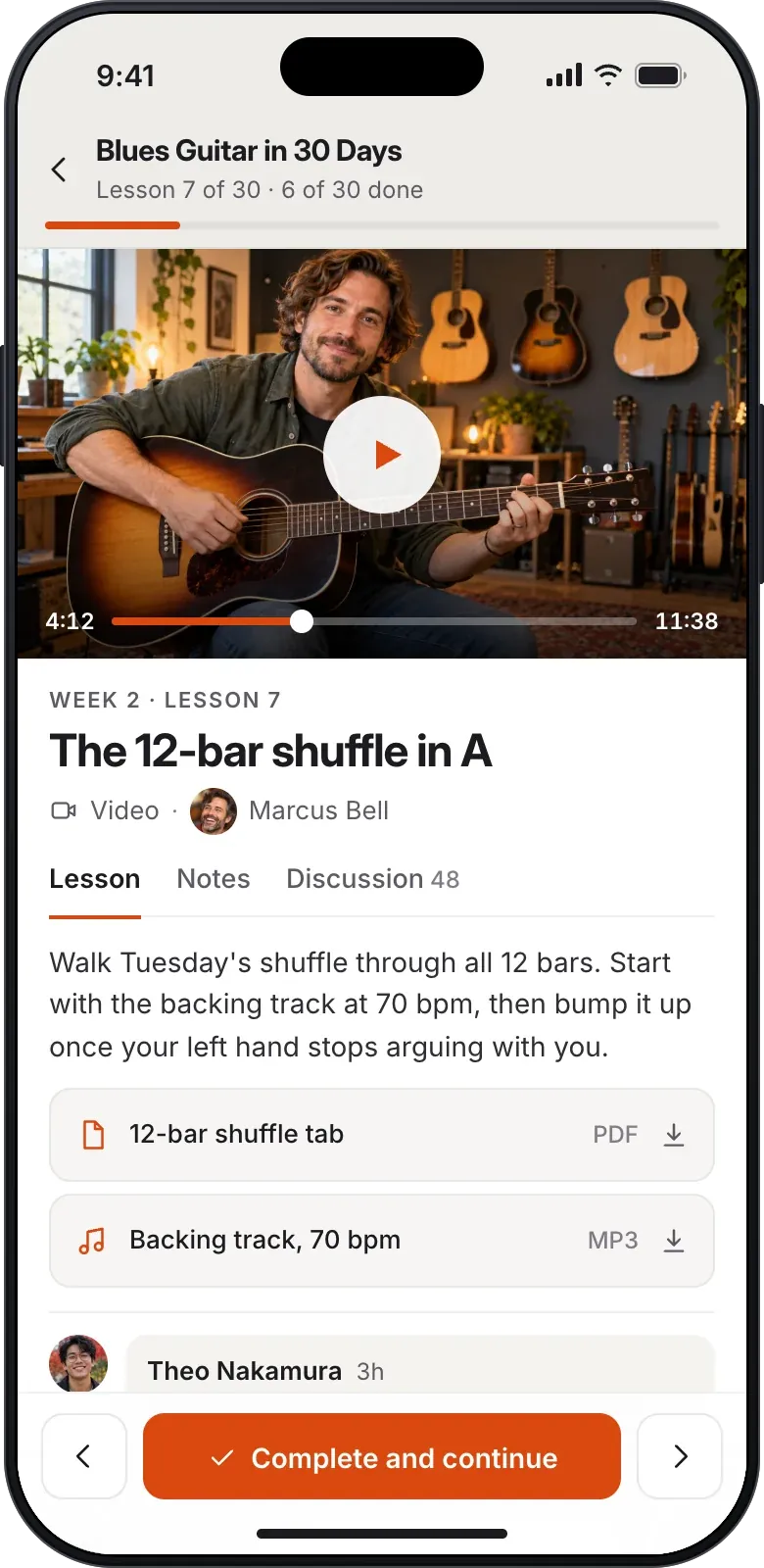
Each course holds up to 30 modules and 100 lessons, and each lesson video can run up to 4 hours on Basic or Pro. You drag lessons and modules into the order you want your members to follow. On Pro you can add quizzes and certificates to any course.
Run events with registration and reminders
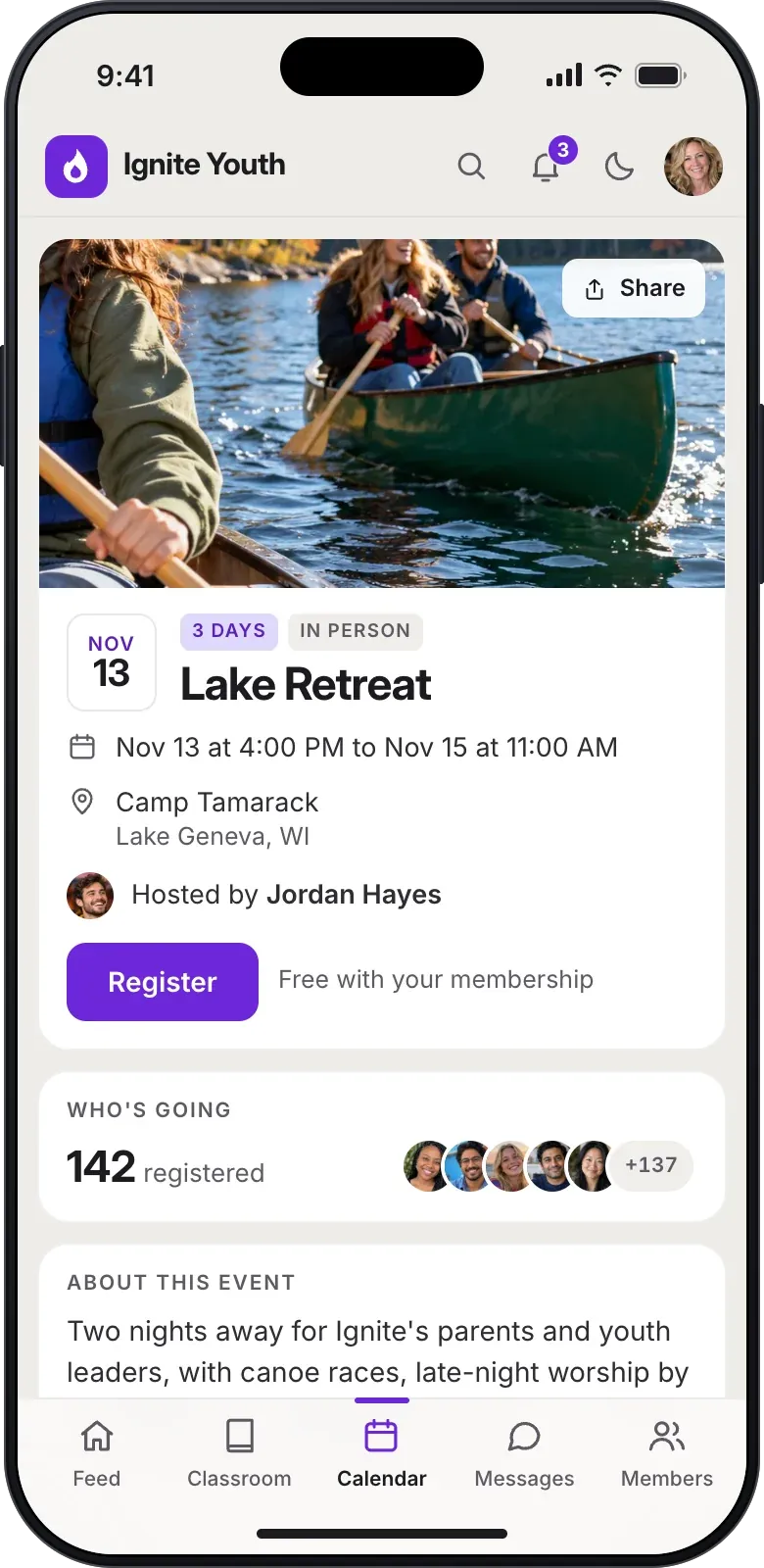
Every plan lets you run events in person or on a meeting link you add. People register, and we email each of them a reminder the day before and again 15 minutes before the start. Guests register with a free account and stay out of your community feed. In a Locker that is free to join, on Basic or Pro you choose whether members attend free while guests buy tickets, or everyone buys. Your events can also show on your public About page so new people can find them. Events with more than one session need Pro.
A WhatsApp group event can only include people already in the chat. WhatsApp notifies people who answered Going or Maybe when the event begins.
Post and comment in a feed with categories
Members post in category tabs you set up, and you choose who can post in each one. You can pin the posts that matter most. Members can search the feed or add a poll with 2 to 6 options. When you publish an important post, you can email it to your active members. Members can also send each other direct messages.
How new members catch up on WhatsApp
A new member of a WhatsApp group starts with the messages someone chooses to send them. WhatsApp lets an admin or member send between 25 and 100 recent messages along with pinned messages, and events created before the person joined stay hidden from them. In a Locker, a new member opens the feed and can read back through every category, and the events list shows what is coming up.
Free, Basic and Pro plans
A WhatsApp group holds up to 1,024 members, and a WhatsApp community holds up to 2,000. Every Locker has unlimited members. Free costs $0 and gives you unlimited courses on a yourname.lockers.social address, with community and free events. Basic costs $7 a month or $70 a year and adds unlimited hosted video plus course and event ticket sales. Pro costs $67 a month or $670 a year for each Locker. It includes paid membership, Live, quizzes, certificates and your own domain.
Lockers runs in the web browser on phones and computers, so members don't need to download an app. They can add it to their home screen.
Add a Locker to your WhatsApp group
Create a free Locker and copy its join link. Post the link in your group and pin it, so members can find your courses and events. If you run a WhatsApp community, post it in Community Announcements as well. Members create a free Lockers account and then see your feed. To invite one person directly, send an invitation tied to their email address.
Build Your Community
Start a free Locker and set up your first course or event, then add selling on Basic when you are ready.