How to run a paid cohort course, with a week-by-week plan for six weeks
In June 2025, Preston Chin wrote on his Substack about the third cohort of his speaking course: "I wanted 30 students for my third cohort of The Impromptu Speakers Academy." He had 442 people on his waitlist. About 2% of them bought, and he started with 9 people and $7,773 in sales. His waitlist showed interest, and only a small share of it turned into paid seats, so we recommend filling a cohort with a personal message to each person who has already asked you about the result.
 By Ryan Scott, founder of LockersUpdated November 27, 20267 min read
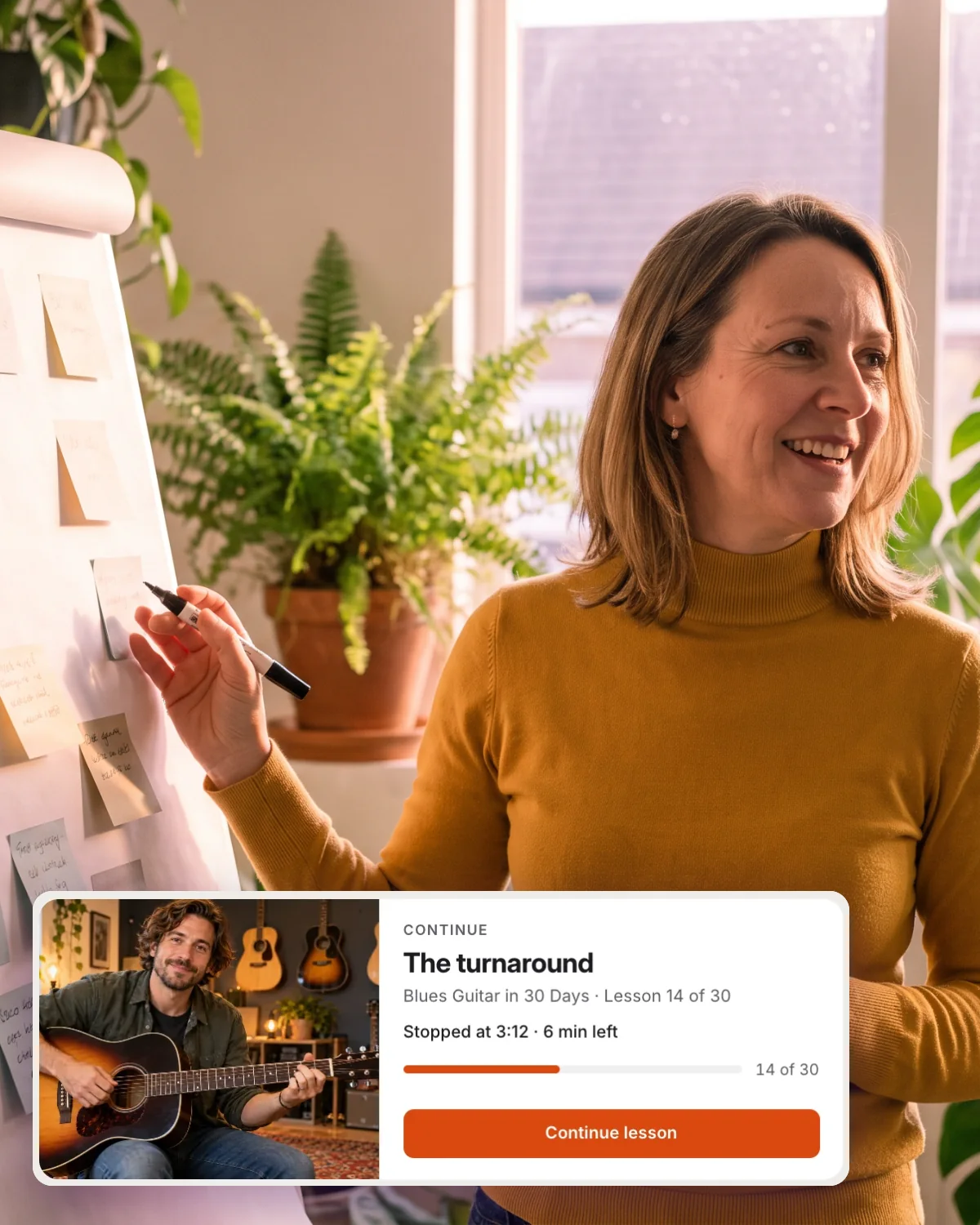
Decide what the group finishes by week six
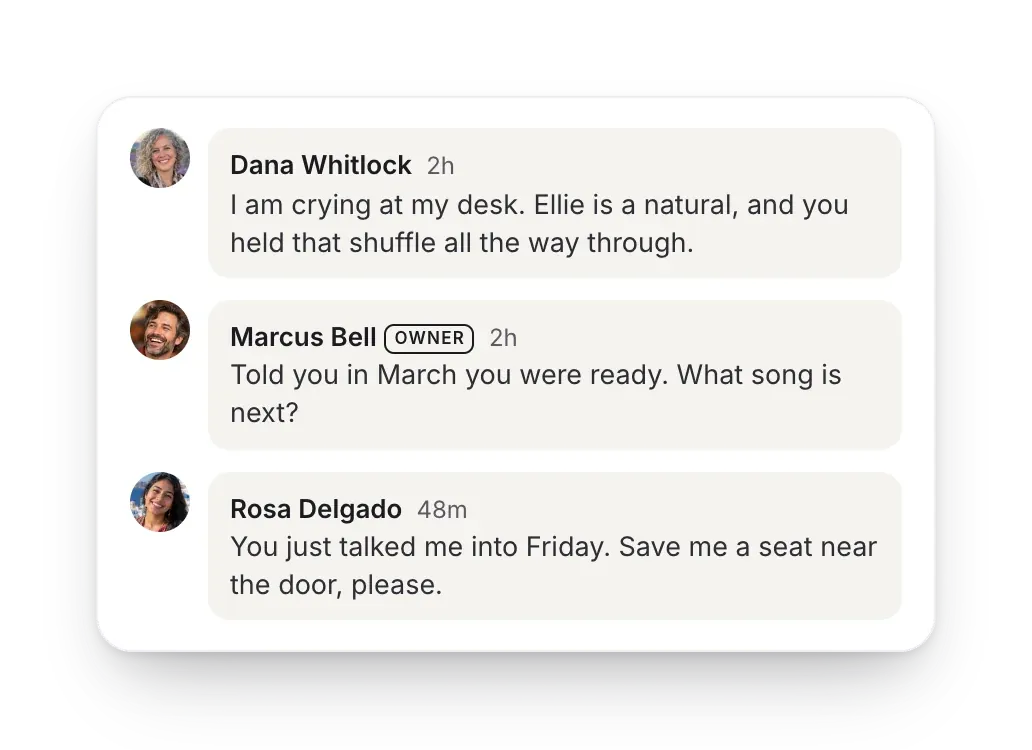
In a paid cohort course, everyone starts on the same date and meets live each week until a set end date. Buyers pay a cohort price for the weekly deadline and your feedback on their work, because both keep each person working until the result is finished.
Write the promise as one result a buyer could check on the last day, such as "a finished book proposal" or "a signed first client," and plan the six weeks backward from it. If people would reach the same result watching lessons alone at their own pace, a self-paced course is the better product, and the guide on choosing between a community, membership, cohort or course covers that choice.
Price the cohort by its live hours
Maven's pricing guide, published September 2, 2026, ties a cohort's price to its live time and project work: $800 to $1,200 for 6 to 8 live hours with at least one project, $1,200 to $1,800 for 8 to 12 hours, and $1,800 to $2,450 for 12 to 20 hours. Six weekly sessions of 90 minutes come to 9 live hours, which puts a six-week cohort in the $1,200 to $1,800 band.
Check that band against what your audience already pays you. If your one-to-one calls cost $200 an hour, six 90-minute sessions would cost a client $1,800 as private calls, so a $1,200 seat that adds weekly feedback and a working group costs each buyer $600 less than the calls alone.
A cohort of 15 people at $1,200 brings in $18,000. On Pro, Lockers keeps 1% of each sale, which is $180, and Stripe charges its processing fee separately. Pro costs $67 a month, and a four-to-six-week sales window plus the six weeks of lessons fits in three months, which comes to $201. The yearly plan at $670 covers every cohort you run that year.
Size the group so you can reply to everyone
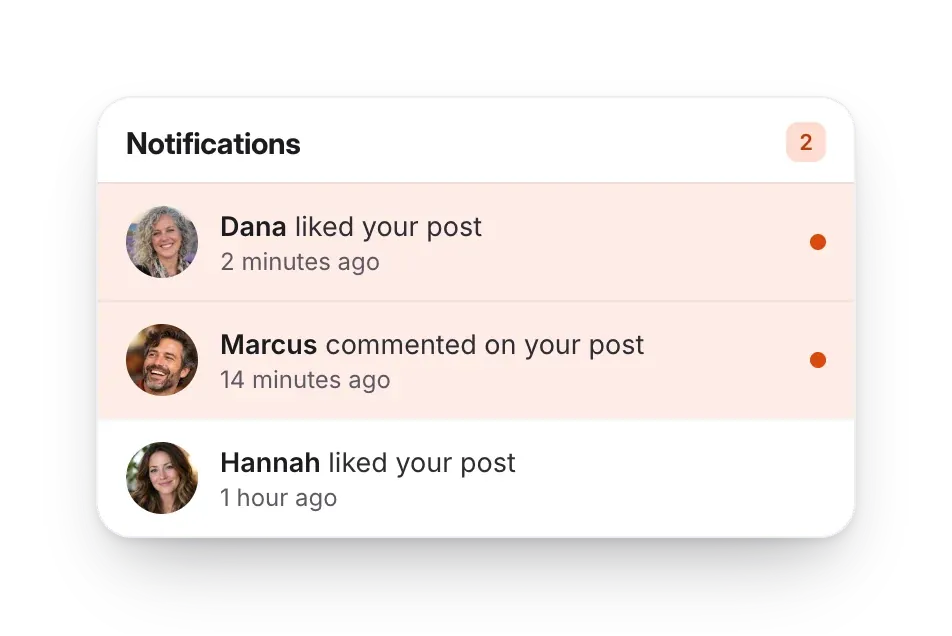
In Ruzuku's September 2026 analysis of courses on its platform, groups of 11 to 25 people had the highest average completion rate, 65.2%, compared with 51.5% for groups of 10 or fewer and 51.3% for groups over 100. With 25 people, you can read every person's work each week and still reply the same day.
A private group chat on Lockers holds up to 50 people including you, so one chat fits any cohort up to 49. For a first cohort, a target of 12 to 20 seats gives the group enough people to learn from each other and leaves you time to answer each one.
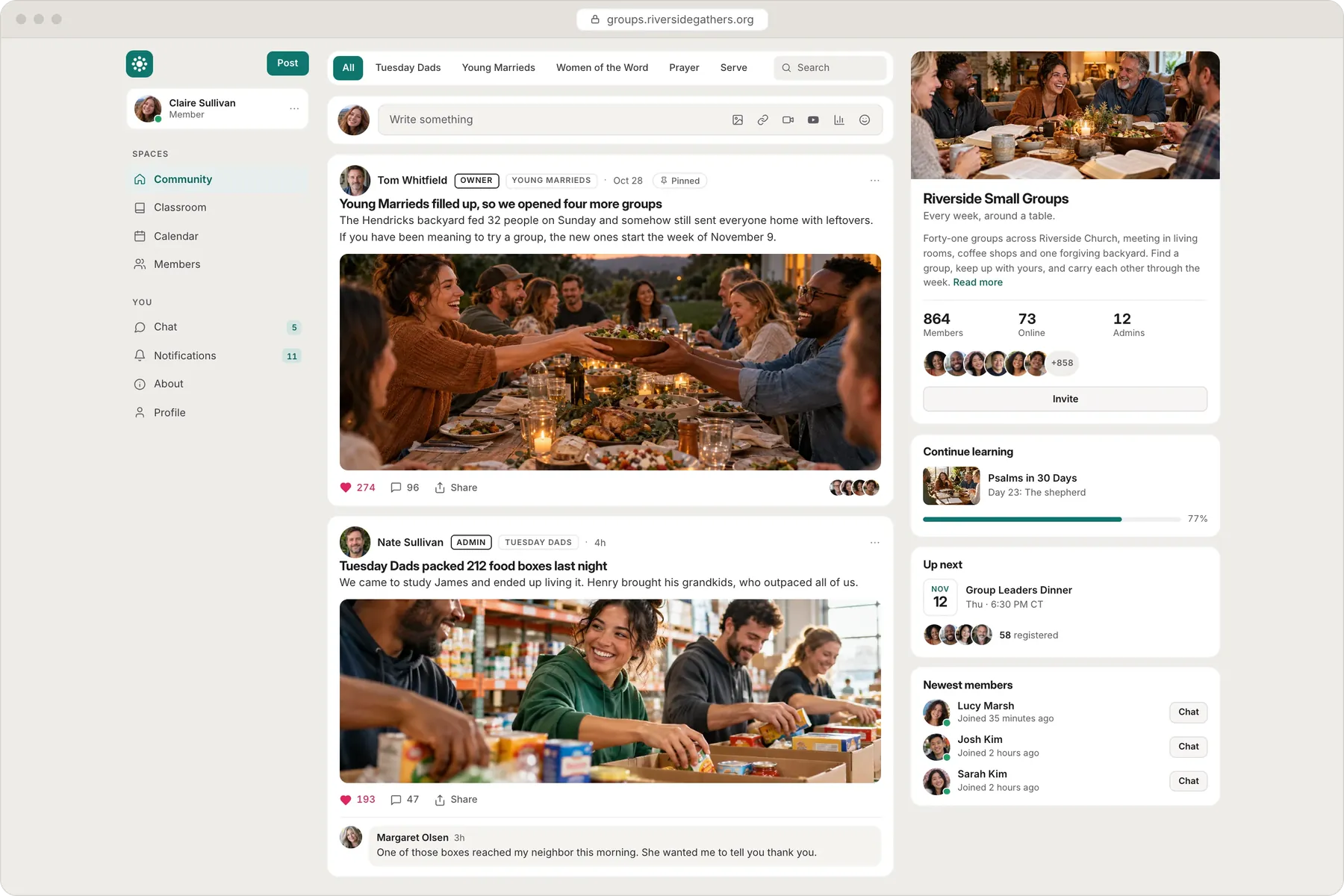
Fill the seats with personal invitations
Open sales four to six weeks before the start date, which is the window Ruzuku's cohort guide recommends, and six to eight weeks for your first cohort. Announce the start date as the last day to buy, which is how Maven's enrollment checklist handles it, and stop sharing the link after that day, so everyone who buys starts week one with the group.

Then write a list of 20 to 30 people who have asked you about this result, and send each one a personal message with three things: the result in one sentence, the start date and the link to buy. After that, share the same link in your newsletter, your community and your social profiles, and give the number of seats left each time.
Set up the cohort in one Locker
A cohort on Lockers runs on Pro, which opens course modules on set dates and shows you each person's progress through the course. Pro is $67 a month or $670 a year for that Locker.
You need an authenticator app on your Lockers account before you build a course or manage payments.
Create your Locker at lockers.social/start, or open the one you already run, and choose Pro from Admin. The Locker stays free to join, and people buy the course inside it.
Open Admin, then Sales, then Payments, and select Connect Stripe. You can set a course price once Stripe shows your account is ready for payouts.
In the Classroom, select New course. Course studio opens a draft with Module 1. Add a module for each of the six weeks, and in each one put a first lesson with the meeting link for that week's session, followed by that week's lessons, such as a short video and a worksheet.
Select each module and set Opens to On a date, with a time one hour before that week's live session. Everyone gets the module at the same moment, whether they bought a month early or the day before, so the whole group works on the same lessons each week.
Select Course details, then Change access, choose One-time price and type your price. Turn on the Certificate if you want each person who finishes every lesson to get a Certificate of completion with a link anyone can use to verify it.
Select Publish. The first time you publish, Lockers offers to post the course to your feed.
Keep each session's meeting link inside the course
Anyone can join a free-to-join Locker without buying the course, so run the paid sessions in the meeting tool you already use and keep each meeting link in the first lesson of that week's module, which only buyers can open. Because each module opens an hour before its session, the week's lessons and the link to that day's session appear together.
Get everyone working in week one
In Ruzuku's data, people who completed a lesson in their first seven days finished their course at a rate of 78.2%, and people who completed nothing in that time finished at 17.2%. Starting early and finishing go together in that data, so make the first module one small piece of work everyone can do in 20 minutes, and end the first session with everyone posting it.
Each time someone buys, add them to the cohort's group chat. Open Messages, select Start a chat, choose the buyers and select Start group, then name it in Chat details. People you add later can read the earlier messages, so a late buyer can catch up on what the group already said.
Run six weeks that end in each person's finished result
Each week, the module opens an hour before the live session, and the work it asks for is due in the group chat before the next session. Group chats hold text up to 2,000 characters a message, so people share longer work as a link.
Week 1: write each person's goal
Use the first session to get each person's week-six result into one sentence and to cover the first step everyone takes. Ask everyone to post their sentence in the group chat before they leave the session, so the group can see each other's goals and you can return to them in week six.
Week 2: a rough first version
The second module covers the first large piece of the work, and the assignment asks for a rough version of it before week three. Reply to every person who posts, even in one line, so each person knows their work is being read.
Week 3: work through real examples
Spend most of the third session on people's work. Before the session, ask two or three people whether you can talk through what they shared, since the rest of the group learns from watching a real draft get better.
Week 4: the hardest step
Put the hardest step of the result in week four, after three weeks of practice and with two weeks left to finish. On Pro, People shows each member's progress through the course, so you can see who still has lessons open from earlier weeks and send them a direct message this week.
Week 5: a near-final version
Ask everyone to share a near-final version in the chat before the fifth session, and use the session to go through as many as time allows, so each person can compare several near-final versions with their own before the last week.
Week 6: show the result
Give the last session to the results. Each person shares what they finished against the sentence they posted in week one, and you close by naming the next step for anyone who wants to keep going, such as your next cohort.
Run the next cohort from the same course
People who bought the cohort keep the course, so they can go back to every lesson after week six. To run the next round, open the course in Course studio and select Duplicate course, which copies it into a new draft without anyone's progress or purchases. Set new dates on each module, put the new meeting links in each week's first lesson, then set the price and publish the copy.
Refund requests come to you. You can issue a full or partial refund from Admin, then Sales, then Payments, and Lockers returns its fee in proportion to the amount refunded.
Start your Locker free, then choose Pro from Admin for $67 a month when you are ready to build week one and set the course price.
Related guides
Community, membership, cohort, or course: how to choose your model
Communities, memberships, cohorts, and courses differ in where members get the value: from each other, from ongoing access, from a shared schedule, or from a set of lessons.6 min read
How to create a course in Course studio
Start a course from the Classroom, set its title, About text, cover, and address, add the first lesson, and find Students and Results.5 min read